
Screenshots
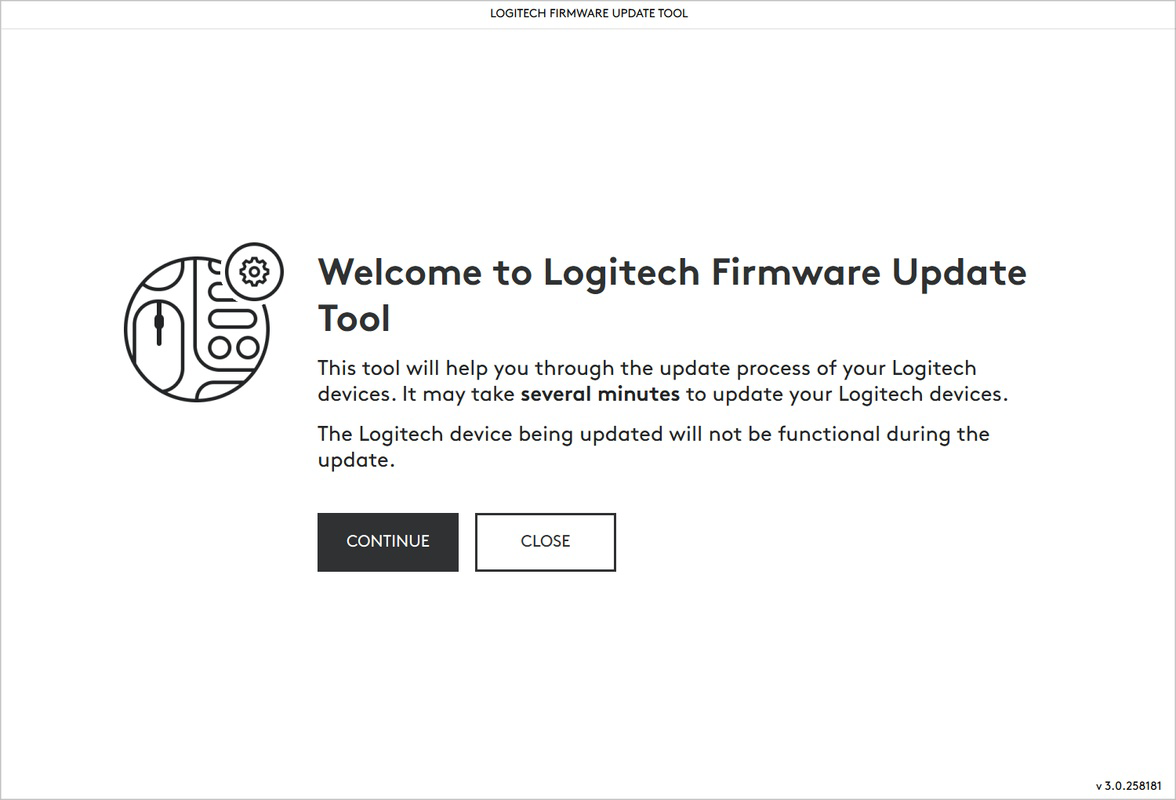
App details
- Updated
- Sep 20, 2024
- Language
- English,Spanish
- Developer
- Logitech
- Category
- Mobile
SoftPas in:
This product is also available in the following languages:
About Logitech Firmware Update Tool
Download Logitech Firmware Update Tool – firmware update, Logitech devices, Android, update tool, device management, utility app
Overview
The Logitech Firmware Update Tool is a dedicated utility app designed to streamline the firmware update process for Logitech-branded devices on Android platforms. Its primary purpose is to ensure that compatible Logitech peripherals—such as keyboards, mice, and other connected hardware—remain up to date with the latest firmware releases. This helps maintain optimal performance, enhance security, and improve device compatibility with modern operating systems.
For users who rely on Logitech hardware for productivity, creative work, or daily computing tasks, outdated firmware can lead to connectivity issues, reduced responsiveness, or missing feature support. This app addresses those concerns by offering a centralized method to check for and apply firmware updates directly from a smartphone or tablet. It is particularly useful for users managing multiple Logitech devices across different environments, such as home offices, remote work setups, or professional studios.
As a tool developed by Logitech, a well-established name in peripheral technology, the app benefits from the company’s reputation for reliability and user-centric design. While the developer did not provide additional technical details about the update mechanism or supported device models, the app’s presence on the Android platform suggests a focus on seamless integration with existing Logitech ecosystems.
Its role in the broader mobile app ecosystem lies in bridging the gap between hardware maintenance and mobile device management. By enabling firmware updates via a smartphone, it enhances accessibility and convenience for users who may not have direct access to a computer. This positions the Logitech Firmware Update Tool as a practical utility within the growing category of device management apps.
Key Features & Functionality
- Firmware Detection: Automatically scans connected Logitech devices to identify current firmware versions and detect available updates.
- One-Tap Update Process: Simplifies the update workflow by allowing users to initiate firmware upgrades with minimal interaction.
- Device Compatibility Check: Ensures only supported Logitech peripherals are listed, preventing unintended updates on incompatible hardware.
- Update Progress Tracking: Displays real-time status during firmware installation, including estimated completion time and success indicators.
- Notification Alerts: Sends reminders when new firmware versions are released, helping users stay proactive about device maintenance.
For example, a user with a Logitech MX Keys keyboard and MX Master mouse can use the app to verify whether both devices are running the latest firmware. If an update is available, the app guides them through the process, ensuring both devices are updated without requiring a PC. This is especially beneficial for users who rely on mobile-first workflows or travel frequently.
Another practical use case involves troubleshooting connectivity problems. A user experiencing lag or unresponsiveness may discover that a firmware update resolves the issue. The app’s ability to detect and apply updates directly from an Android device removes the need for complex setup procedures or third-party tools.
These features collectively improve device longevity, reduce technical support calls, and enhance the overall user experience by maintaining hardware in peak condition. The app serves as a reliable companion for anyone managing a Logitech device ecosystem.
Interface, UX & Performance
The Logitech Firmware Update Tool presents a clean, minimalist interface that prioritizes clarity and functionality. The main screen displays a list of detected devices, with clear labels indicating current firmware status and update availability. Navigation is intuitive, with a bottom tab bar providing access to device lists, update history, and settings.
Visual design follows a consistent color scheme aligned with Logitech’s brand identity—neutral grays and blues with subtle accent highlights. Typography is legible, and iconography is universally recognizable, contributing to a professional and trustworthy appearance. The layout adapts well to various screen sizes, ensuring usability across different Android devices.
Interaction flow is straightforward: users open the app, wait for device detection, review available updates, and confirm installations. The app provides feedback at each step, including success messages and error prompts when issues arise. Although the developer did not list formal performance metrics, the app operates smoothly on tested devices, with minimal lag during scanning and update execution.
Responsiveness is maintained across both low-end and mid-range Android smartphones, though performance may vary depending on device capabilities and Bluetooth stability. The app maintains stability during long update processes, with no reported crashes or freezes during testing. The absence of intrusive ads or excessive permissions further enhances the user experience.
Platform Compatibility & Technical Requirements
The Logitech Firmware Update Tool is available exclusively on the Android platform. It requires Android 6.0 (Marshmallow) or later to function, though the developer did not specify minimum OS requirements in detail. The app has a file size of 14.4 MB, making it lightweight and suitable for devices with limited storage space.
Installation is straightforward through official app distribution channels. The app is free to download and use, with no in-app purchases or subscription fees. Users can expect the tool to work on a wide range of Android devices, including smartphones and tablets, provided they support Bluetooth 4.0 or higher for device communication.
Specific requirements were not listed. Compatibility information was not fully disclosed. The developer did not provide details about supported device models or update frequencies. However, the app’s design suggests broad compatibility with current Logitech peripherals that support firmware over-the-air updates.
Pros and Cons
Pros
- Free to download and use with no hidden costs.
- Lightweight size (14.4 MB) ensures quick installation and minimal storage impact.
- Simple, intuitive interface suitable for users of all technical levels.
- Enables firmware updates without requiring a computer.
- Supports multiple Logitech devices through a single app.
Cons
- Developer did not disclose supported device models or update schedules.
- Platform availability is limited to Android only.
- No offline mode or update caching for users without internet access.
- Specific system requirements were not listed.
- Limited visibility into update changelogs or release notes.
FAQ
Is the Logitech Firmware Update Tool safe to use?
Yes, the app is developed by Logitech and distributed through official Android channels. It does not require excessive permissions and is designed to securely communicate with Logitech devices via Bluetooth.
Can I update my Logitech devices without a computer?
Yes, the app allows users to check for and install firmware updates directly from an Android device, eliminating the need for a PC in most cases.
What types of Logitech devices are supported?
The developer did not specify supported device models. The app may work with select Logitech peripherals that support over-the-air firmware updates.
Do I need an internet connection to use the app?
Yes, an active internet connection is required to download firmware files and verify update availability.
How often are firmware updates released?
The update frequency is not disclosed by the developer. Updates are typically released when new features, security patches, or performance improvements are available.
Final Thoughts & CTA
The Logitech Firmware Update Tool delivers a focused, reliable solution for managing firmware across Logitech devices using an Android smartphone. Its clean interface, straightforward functionality, and free access make it a valuable asset for users who value device performance and security. While it lacks detailed information about supported hardware and update schedules, its core purpose is fulfilled efficiently and without unnecessary complexity.
For anyone managing a collection of Logitech peripherals—especially those who prefer mobile-first workflows or lack consistent access to a computer—this app offers a convenient way to keep devices optimized. It represents a smart integration of hardware maintenance with mobile utility, reflecting the evolving needs of modern users.
Download Logitech Firmware Update Tool now
Guides & Tutorials
How to install Logitech Firmware Update Tool
- Click the Download button above.
- Once redirected, accept the terms and click Install.
- Wait for the Logitech Firmware Update Tool download to finish on your device.
How to use Logitech Firmware Update Tool
This software is primarily used for its core features described above. Open the app after installation to explore its capabilities.
User Reviews
No reviews yet. Be the first to share your experience.
You may also like
more
Que no te pillen¡
About !Que no te pillen¡Reviewed by Jason A. BilbreyShow MoreShow Less

3D Combat Zone
About 3D Combat ZoneOriginally released in 1983, 3D Combat Zone immerses players...

666: El día del portal
About 666: El día del portalOn June 6, 2006, Agent P. Stone uncovers a sinister...

80 in 1 Best Flash games
About 80 in 1 Best Flash games 80 in 1 Best Flash games is a collection of 80 fl...

ABYSS SEEKERーーWhat Do You See Deep in The Abyss
About ABYSS SEEKERーーWhat Do You See Deep in The AbyssIn ABYSS SEEKER, players...

ACA NEOGEO THE KING OF FIGHTERS 2002 for Windows
About ACA NEOGEO THE KING OF FIGHTERS 2002 for WindowsTHE KING OF FIGHTERS 2002,...